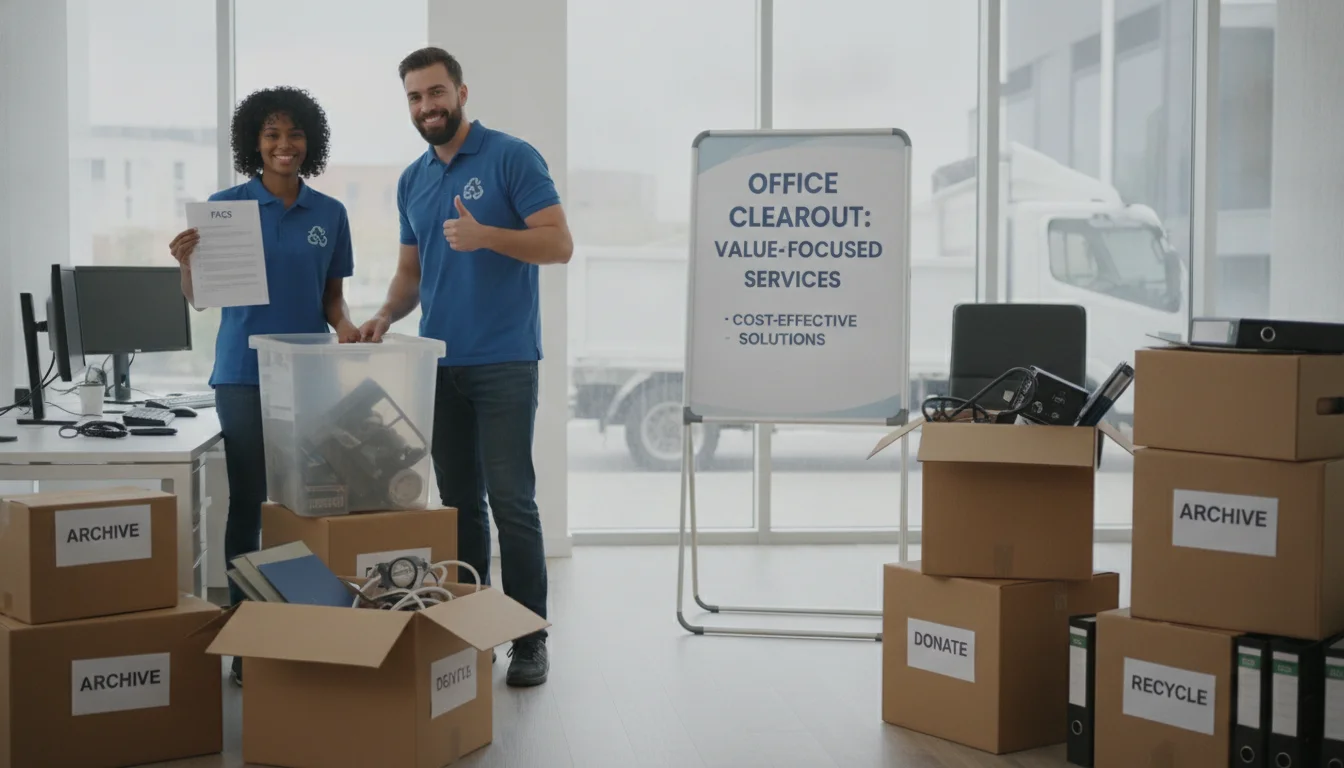
Need a fast, reliable game plan for clearing an office in Douglasville? This Q&A explains what an office cleanout is, how timing and access affect the work, what to do with electronics and data, and what happens after crews leave. An office cleanout is the organized removal of office furniture, fixtures, electronics, and debris, followed by responsible recycling, donation, and disposal—done to protect people, property, and data.
These office cleanout FAQs cover the four things most teams ask first: what drives the cost, how far ahead to book, how electronics and data are handled, and what records you get after. In short, book early, sort items before crews arrive, and ask how e-waste will be recycled.
Key Takeaways
- Definition: An office cleanout removes furniture, fixtures, electronics, and debris, with secure data handling and responsible disposal.
- Costs vary by scope and access: volume, labor, building logistics, and specialty items set the effort required.
- Scheduling matters: book early, confirm elevator and dock windows, and consider after-hours work to limit disruption.
- Data security: use R2 or e‑Stewards recyclers and NIST 800‑88 methods for drives.
- Documentation: ask for diversion reporting, certificates of disposal, and chain-of-custody records.
What is an office cleanout?
An office cleanout means crews remove office furniture, fixtures, electronics, and debris from your space, then handle disposal the right way. The goal is simple: clear the area safely, protect data, and keep as much as possible out of the landfill. In Douglasville, this often includes careful e-waste handling and clear access planning for busy buildings.
Douglasville Junk Removal helps businesses plan moves and decommissions with less stress. Local teams know dock rules, elevators, and permits common in Douglasville. That means fewer delays and a smoother handoff of the space.
How much does an office cleanout cost?
Costs vary by project. No two floors, buildings, or access points are the same. What you pay depends on the work needed and how easy it is to load and haul. Clear details help set fair, predictable quotes.
What drives pricing
- Volume: How much furniture, e-waste, and debris must go
- Labor: Crew size, stairs or no dock, and time on site
- Access: Elevators, loading zones, security check-ins, long carries
- Special handling: Cubicles, servers, safes, or items needing permits
On-site estimates and virtual quotes
A quick walk-through gives the most accurate plan. Virtual quotes can work too. Share photos or a short video call. Include shots of doors, halls, elevators, and the dock. The more detail you send, the tighter the schedule and scope.
Ways to control costs without cutting corners
Sort items before crews arrive. Group e-waste, donate-ready items, and trash. Label what stays. Reserve the freight elevator. Confirm parking. Good prep speeds the job and reduces surprises.
Scheduling and timelines: from request to completion
Most business moves run on firm dates. The earlier you book, the more options you have. Many projects can be done in one day for smaller suites. Larger floors or phased jobs may take longer.
Typical lead times and when to book
Plan as soon as your move date is set. End-of-month slots fill fast. Busy seasons may require extra notice, especially in downtown Douglasville with limited dock hours.
Same-day or after-hours options to reduce downtime
Some teams offer evening or weekend work to avoid staff disruption. After-hours work can be ideal for medical, retail, or call centers. Ask about security rules and building access windows before you pick a time.
What to do before crews arrive
- Pack small items and personal effects
- Unplug devices and label what stays
- Clear paths to doors and elevators
- Reserve the freight elevator and loading area
- Provide IT and facilities contacts on-site
Electronics, cubicles, and specialty items
E-waste means discarded electronics like laptops, servers, and printers. These need safe recycling and data protection. Look for recyclers with R2 or e-Stewards certification. For data, ask for clearing methods that follow NIST SP 800-88 media sanitization guidance.
E-waste recycling and data destruction basics
Drives can be wiped, shredded, or degaussed. Serialized reports and photos can document each step. Keep asset tags if you track inventory. Always decide what is reuse, recycle, or destroy before removal day.
Cubicle breakdown, server racks, and heavy equipment
Crews can disassemble panels, frames, and glass tops. Racks may need IT sign-off before power-down. Safes, plotters, and conference tables may require extra tools or a lift-gate truck. Tell the team about these early so they bring the right gear.
What can’t be removed and practical alternatives
- Hazardous waste: chemicals, solvents, and biohazards (use hazmat vendors)
- Pressurized tanks: propane or CO2 (call a gas supplier)
- Construction debris with asbestos: needs licensed abatement
- Loose confidential files: bag, box, or shred before removal
What happens after the cleanout?
A good partner sorts items for reuse, donation, recycling, and disposal. Many businesses want waste diversion stats to support sustainability goals. Ask for a summary that shows where items went.
Recycling, donation, and waste diversion reporting
You can receive a report listing weights or counts by stream. This helps with ESG and lease close-out files. Donation receipts may be available from nonprofits.
Certificates of disposal and chain of custody
A certificate of disposal confirms proper handling. Chain of custody is a record that tracks items from pick-up to final destination. It can include asset lists, serial numbers, and signatures.
Post-project walkthroughs and preparing the space for turnover
A short walkthrough checks for stragglers, floor plugs, and wall mounts. Then, sweep and mop high-traffic areas. Cap low-voltage cables, remove stickers, and return keys and badges to building staff.
Frequently Asked Questions
Below are our office cleanout FAQs with concise answers your team can act on.
How far in advance should a business book an office cleanout?
Most teams can schedule standard suites within a few business days. End-of-month or quarter dates fill faster. Book as soon as your move date is set. If you need urgent help, ask about same-day or after-hours crews in Douglasville.
Can you handle data-bearing devices and provide proof?
Ask before you book. Drives can be wiped or destroyed per NIST 800-88 guidance. You can ask for serial tracking, photos, and a certificate of disposal. Using R2 or e-Stewards recyclers helps ensure compliant e-waste handling for your audit files.
Do crews offer commercial junk removal near me after hours?
Many providers offer evening or weekend work to limit downtime. Confirm elevator access, dock hours, and security rules with your building first. If you are in Douglasville, Douglasville Junk Removal can plan a window that fits your team and your landlord.
Summary
- Pricing reflects scope, access, labor, and any specialty handling.
- Preparation matters: pack, label, reserve the dock, and confirm contacts.
- Protect data with certified recycling and NIST 800-88 methods.
- Request diversion reports, certificates of disposal, and chain-of-custody when needed.
Conclusion
Office cleanouts do not have to be hard. With a clear scope, good prep, and the right team, your space can be ready for turnover on time.
If you’re in Douglasville, Douglasville Junk Removal can help plan and complete your project with care. Contact us at +1 770 467 3423 or hello@junkremovaldouglasville.com. Contact us today to schedule your office cleanout and coordinate building access windows that work for your team.
Exploring other cleanouts for your property? See our pages for Estate Cleanout, House Cleanout, and a practical guide on when Professional House Cleanouts are Worth It.